Then unlock everything for a one-time US$6.99 purchase. No subscriptions.
Create presets for size, format, and compression - then assign them to Drop Folders. Any image dropped into the folder is resized, optimized, and converted automatically. No app window. No repeated steps.
Freshly Squeezed turns your resize, crop, convert, and optimize checklist into a repeatable preset - then runs it on whole folders at once.

Drop a folder of images and apply the same resize, crop, convert, and optimize settings in one pass.

Drop a folder once; every new image gets the same resize, crop, and format - without opening the app.

Interactive crop with social, web, and print ratios, custom ratios, and canvas extend with solid or transparent fill.

Tune quality with a visual slider. Export JPEG, PNG, PNG-8, HEIC, WebP, or AVIF - and keep or strip EXIF and GPS.

Save export settings - including crop placement - and sync presets across Macs with iCloud.

US$6.99 one-time purchase after a 7-day free trial. Own the app - no monthly fees.
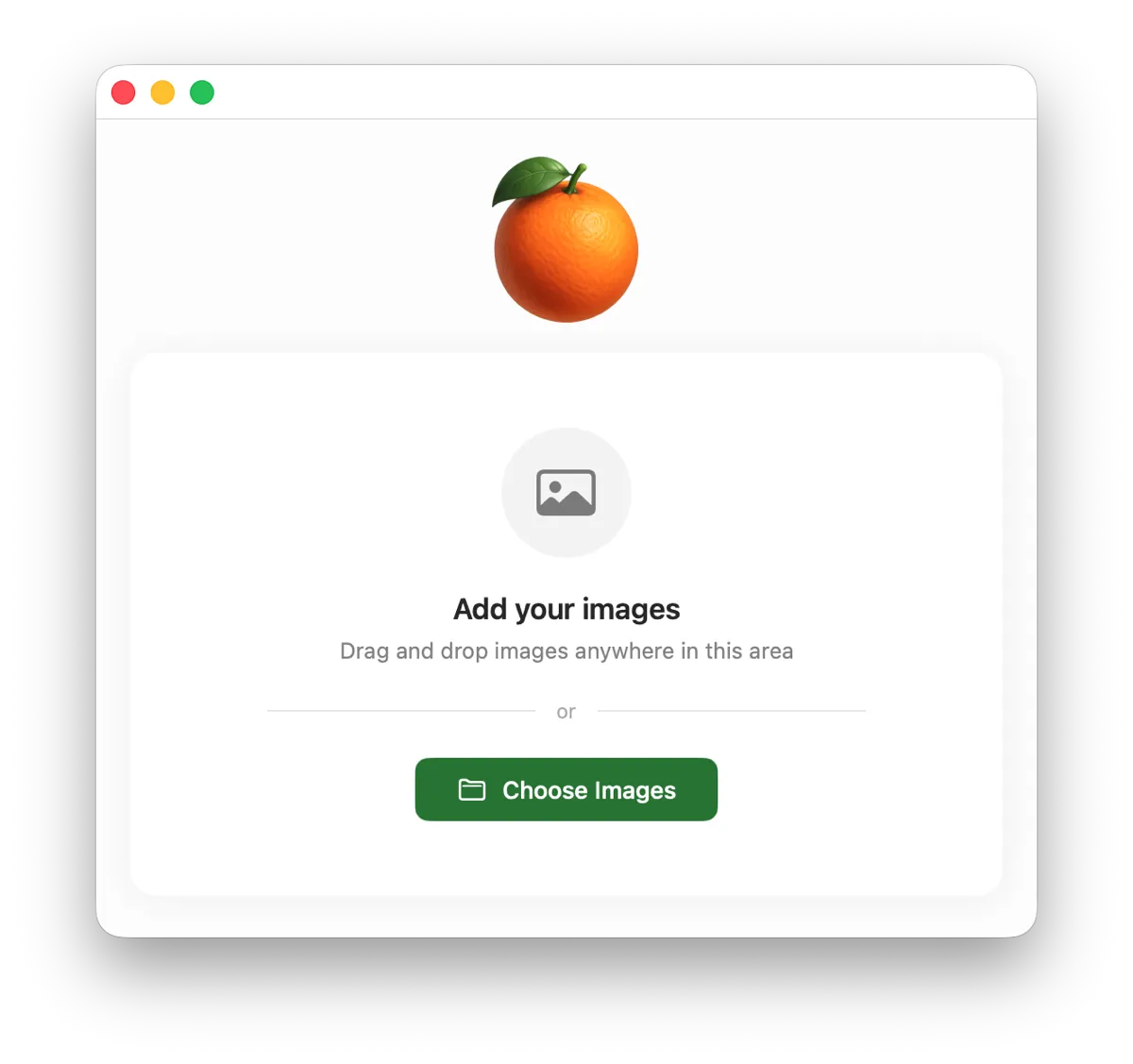
Home Screen
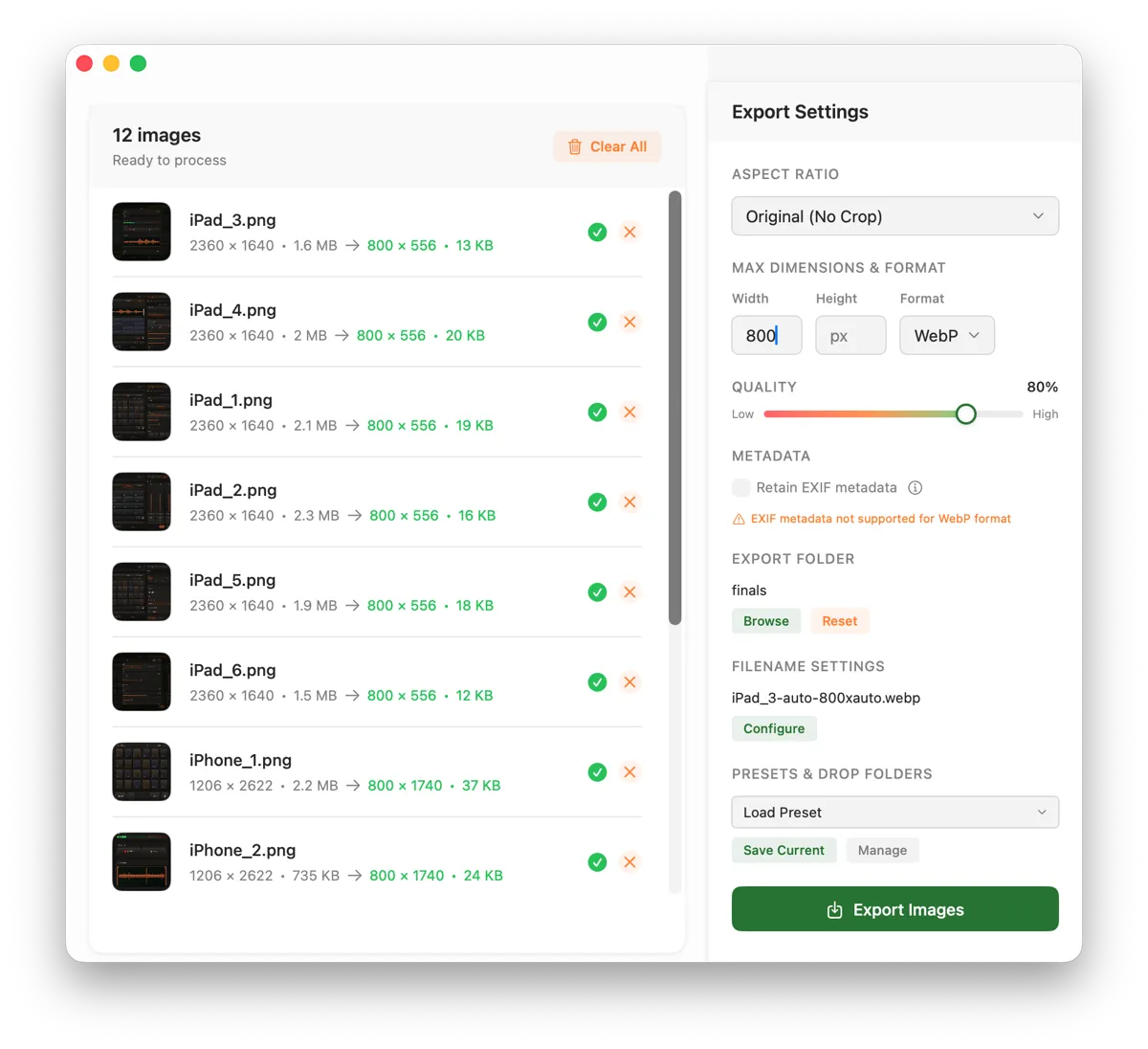
Main Screen
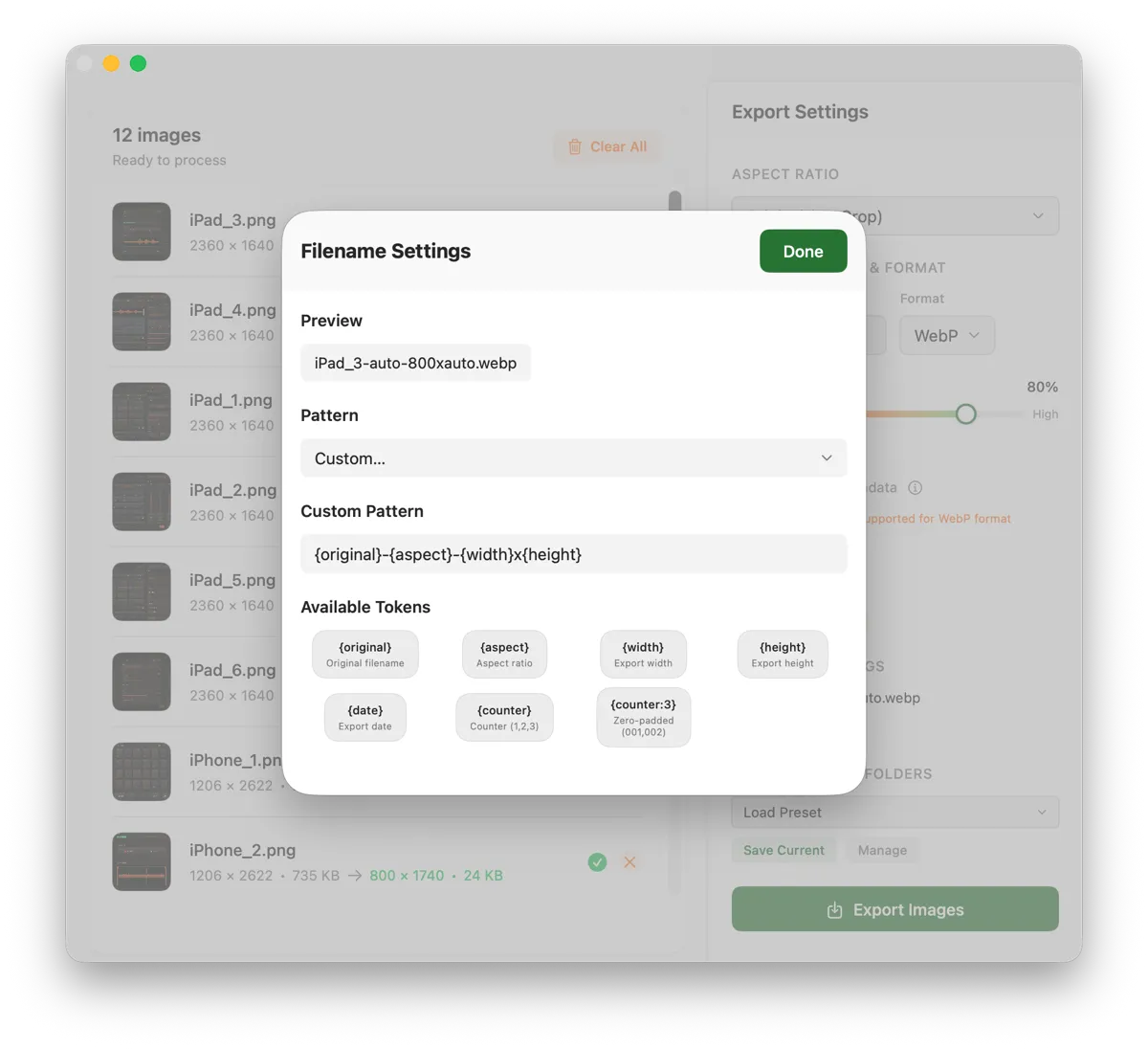
Filename Settings
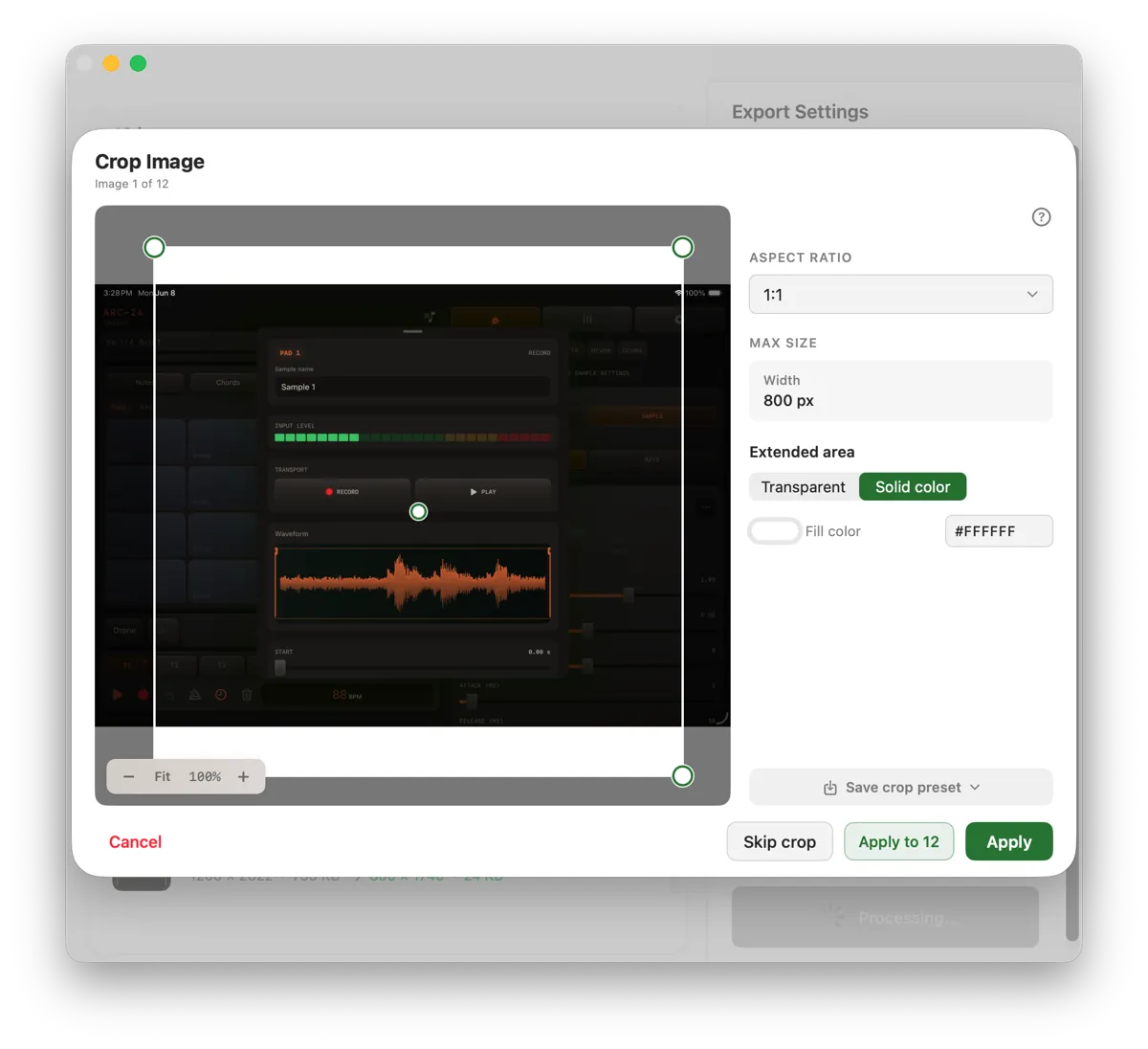
Crop Screen
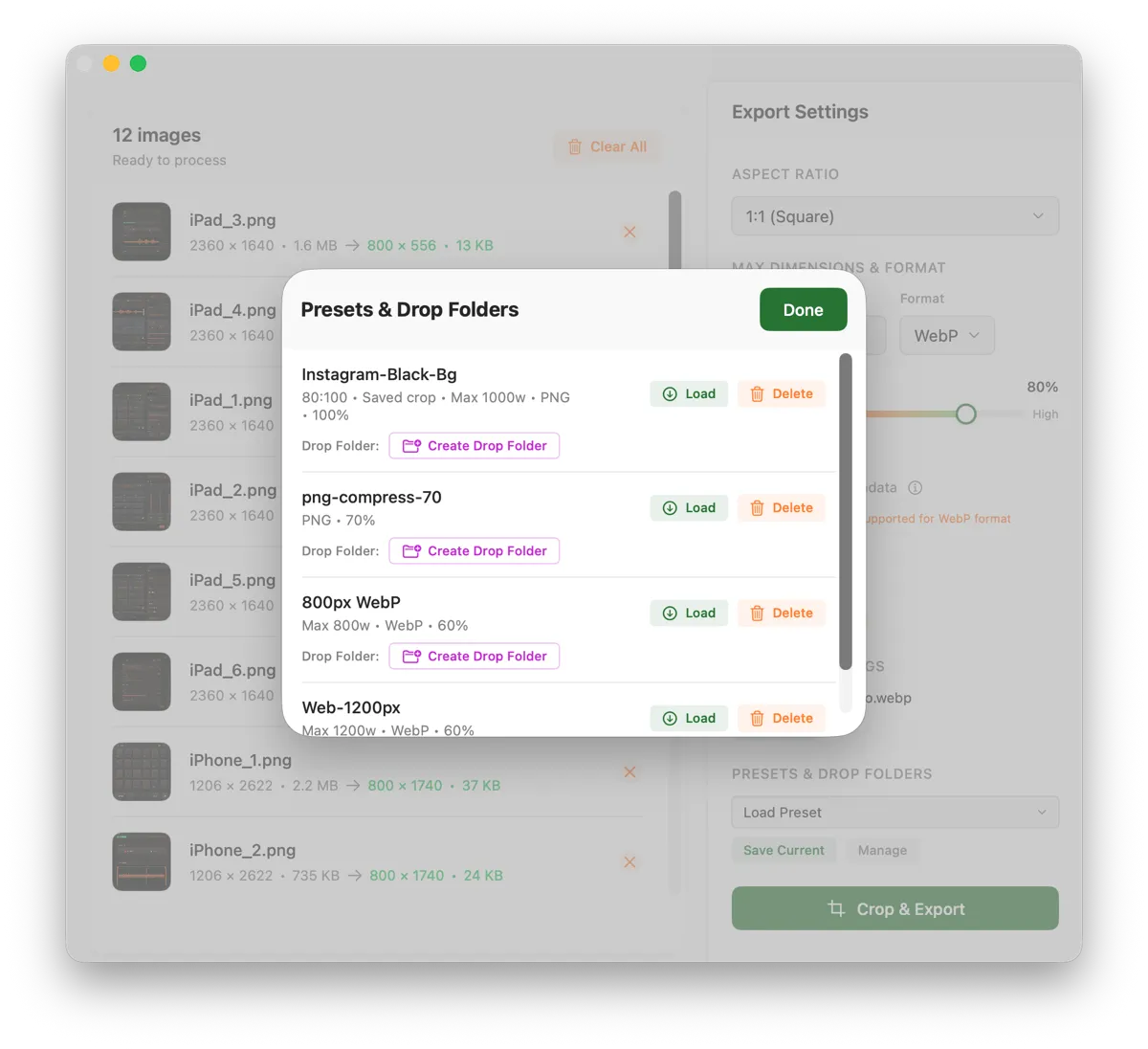
Presets + Drop Folders
One-time US$6.99 after the trial. No subscriptions.
As featured in







Hi, I'm Daelan. I'm the Director of Technology at Poppy Barley, a Canadian ecommerce brand, and I built Freshly Squeezed to solve a problem my own team kept running into.
We deal with product images constantly - resizing for product and collection pages, converting HEIC files shot on iPhones, optimizing for web performance, prepping thumbnails at different sizes. It was repetitive, manual work with no great native Mac tool to handle it cleanly. So I built one.
I use Freshly Squeezed with my team every day. When you buy it, you're backing a solo developer who ships updates because his own team depends on the app.
Have feedback or a question? I personally read every email at hello@freshlysqueezed.app
Start with a how-to, or jump to HEIC, WebP, crop, or batch resize.
Blog · FAQ · Batch Resizer · Crop Tool · HEIC Converter · WebP Converter · AVIF Converter
Freshly Squeezed runs on your Mac. Product shots, client galleries, and drafts stay on your machine - no anonymous uploads to finish a batch job.
Process whole folders at once, or attach a preset to a Drop Folder so new images are resized, cropped, converted, and optimized without opening the app window. Ideal for ecommerce catalogs, web performance passes, and content pipelines.
Export JPEG, PNG, PNG-8, HEIC, WebP, and AVIF (plus TIFF and BMP where supported). Convert while you resize or crop so you are not babysitting three separate tools.
Try it free for 7 days, then unlock everything with a one-time US$6.99 purchase (regional App Store pricing may vary). Lifetime license - no subscription.

 Try Free for 7 Days